

Published 27 October 2026 · By JonsTech
How to Announce a SaaS Pricing Change on Social Media
A practical sequence for announcing a SaaS pricing change clearly, adapting the message for each social platform and organising posts without making promises your terms do not support.
A clear pricing announcement starts with the facts, not the post. Confirm exactly who is affected, what changes and when; write one approved explanation; then adapt its wording for each social network and schedule any reminders. Social posts can help explain a change, but they are not proof that every affected customer has been notified. Use your normal customer communication channels too, and check the relevant contracts, billing terms and eligibility before publishing.
The example wording in this article uses placeholders because no specific SaaS pricing change or effective date was supplied. Before publication, replace them with a company-approved, realistic example. Do not fill in prices, dates or customer terms by guesswork.
1. Confirm who is affected and when
Before drafting, settle the details with the people who own pricing, billing and customer support. A pricing announcement can quickly become confusing if the public post describes a different change from the one customers see in their accounts.
Which plans, customer groups or sign-up dates are included?
What is the current price and the new price, including currency and billing period?
On what exact date does the change take effect, and does that date apply to new customers, existing customers or both?
Are there exceptions, grandfathered terms, regional differences, taxes or required customer actions?
Use an unambiguous date rather than “next month” or “soon”. If customers are in different regions, state the relevant timezone where it matters. Then compare the approved details with the pricing page, billing system, help centre and any customer emails planned for the same announcement. If those sources do not agree yet, pause the social posts until they do.
2. Write a core explanation people can scan
A useful core message answers four questions in plain language: what is changing, who it affects, when it happens and where customers can find their specific details. If there is a reason for the change, explain it briefly and honestly. Avoid vague language such as “exciting updates to our plans” when the important news is that a price is changing.
Draft from this framework, then replace every bracketed field with approved information:
“From [effective date], the price of [plan] will change from [current price and billing period] to [new price and billing period]. This change applies to [affected customers or sign-ups]. [State the approved treatment for existing customers and any action they need to take.] See [the relevant pricing or help page] for details, or contact [support route] with questions.”
This is a structure, not ready-to-publish copy. Be especially precise about existing customers: do not imply their current price is protected, changed or renewed on a particular date unless the company has confirmed those terms. If there is no customer action required, say so only after checking.
3. Adapt the message for each network
Keep the facts consistent, but do not assume one identical caption will be clear everywhere. A short post might lead with the effective date and link to the full explanation. A longer text post can provide more context. A short video can explain the reason in the founder’s own words, with the key details repeated in its caption so viewers do not have to rely on the video alone.
For every version, check the plan name, amounts, billing interval, affected group, date and destination link against the approved source. Adapt the opening, length and call to action for the platform, but do not let that editing alter the substance. If a network’s format is too brief for the explanation, use it to signpost a full details page rather than squeezing in incomplete terms.
WooshOut’s composer supports shared copy alongside per-platform captions and settings where available. That lets you keep the core announcement together while tailoring the presentation for selected destinations. A practical cross-platform workflow is described in WooshOut’s publishing workflow.
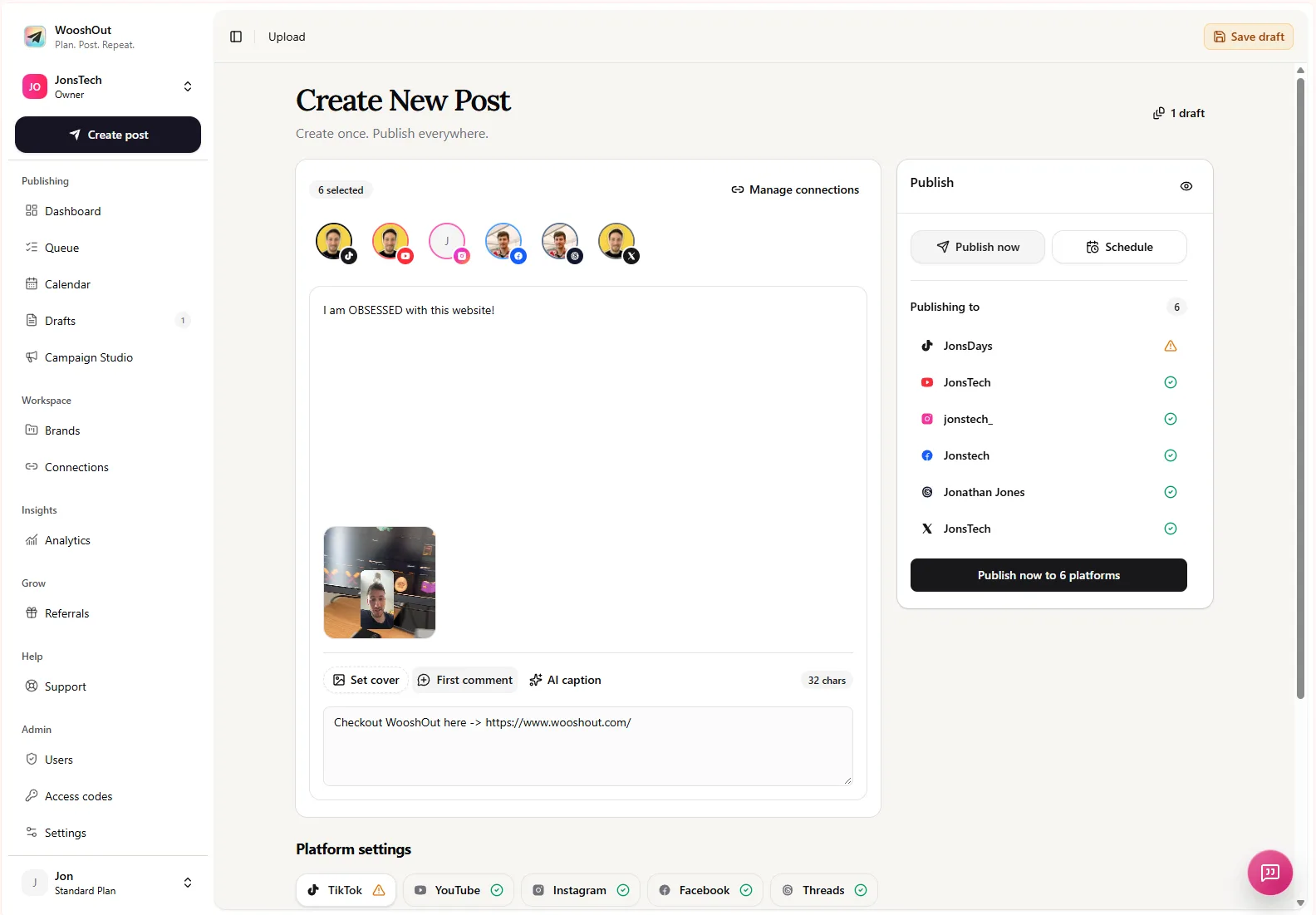
For more on adapting captions without changing the core message, see how to schedule social media posts with different captions per platform.
4. Give customers a path to the details
A social post has limited space, and public comments are not the right place to resolve account-specific billing questions. Link to one current page that explains the change in full. Make sure it covers the same customer groups and dates as the social copy, and gives people a reliable route to support.
Before scheduling, check that the destination page is live, mobile-friendly and easy to understand. If customers need to sign in to see their own terms, explain that clearly. Do not ask them to share account or payment information in a public reply; direct them to the company’s private support channel instead.
5. Plan the announcement and follow-up
A pricing change rarely needs to be squeezed into one post. A simple sequence might include an announcement with the full details, a reminder closer to the effective date, and a follow-up that answers a common question. Only publish a reminder if the timing is still useful and the information remains accurate. Coordinate social posts with direct customer notices rather than treating the social schedule as a substitute for them.
Keep a single approved source of truth for the wording and facts. When someone updates a price, date or eligibility rule, check every scheduled caption and destination page before the next post goes out. If the change is delayed or revised, pause the affected posts and correct the supporting information first.
Organise the posts in WooshOut
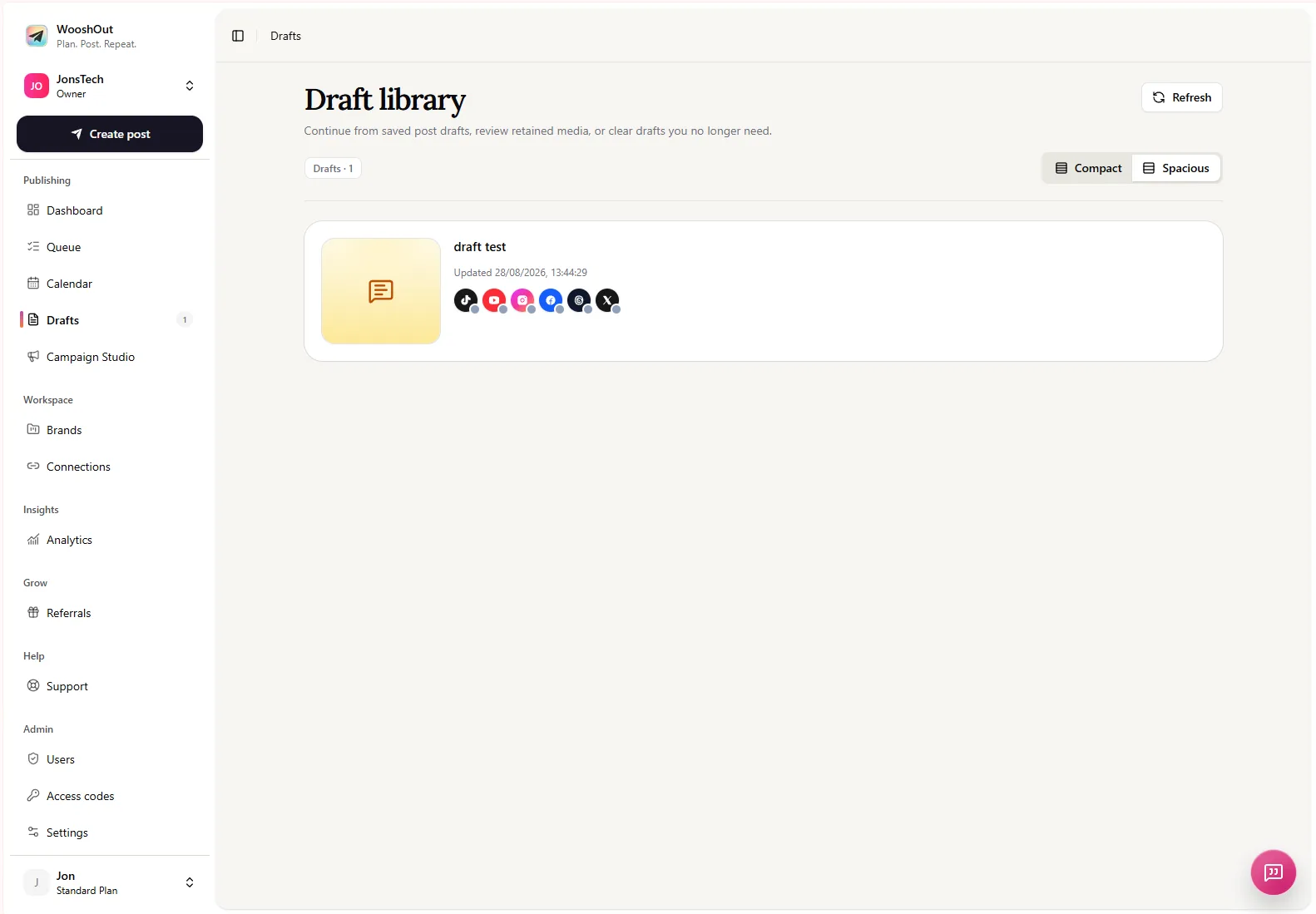
In WooshOut, start in Create post, choose compatible connected destinations, add the approved shared message and enter any platform-specific captions. Preview each version before deciding whether to schedule it or save it as a draft. That separation is useful when the wording is ready for review but the price page, date or customer terms still need confirmation.
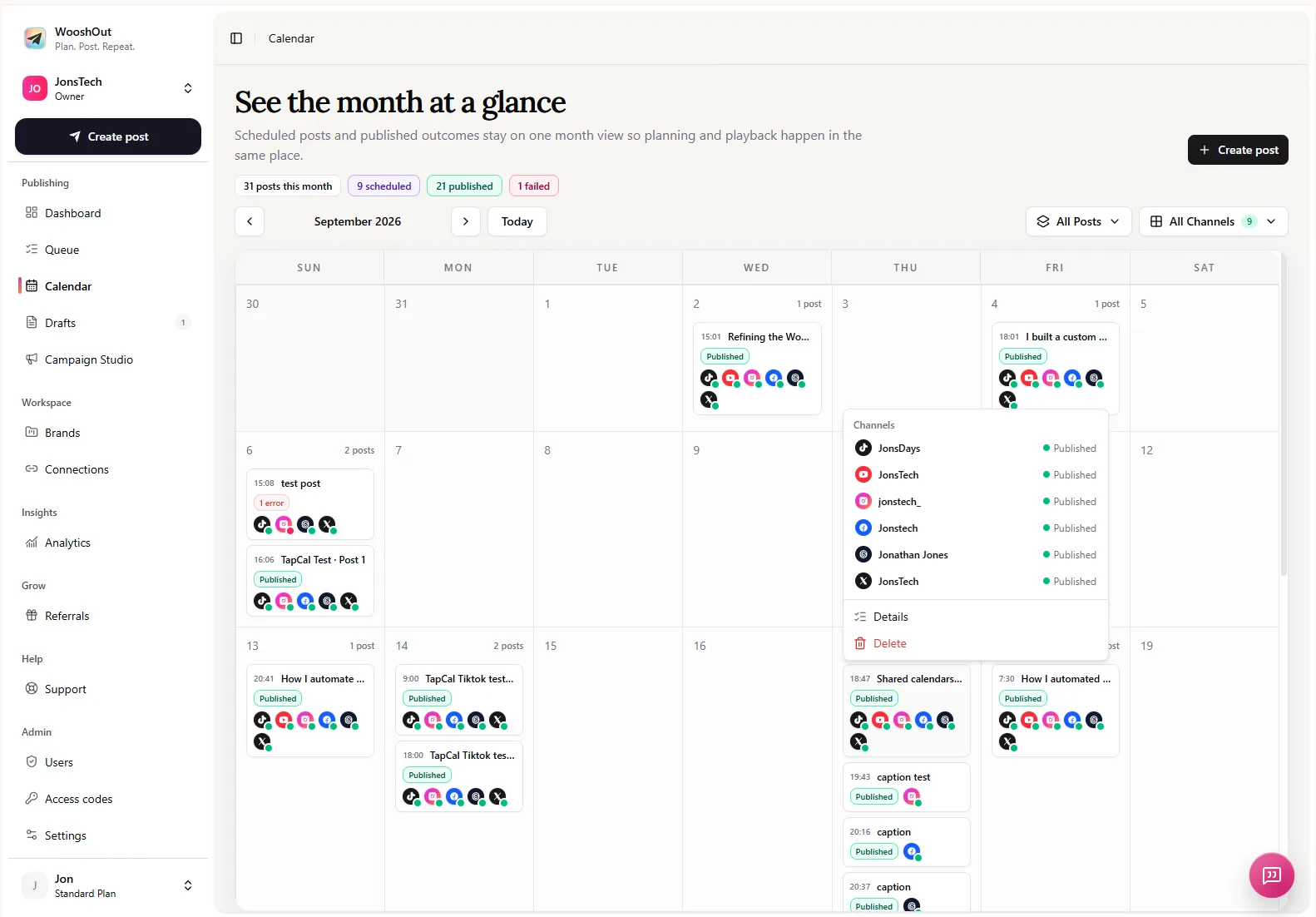
Use the Calendar to check the planned dates and the Queue for a closer view of upcoming work and publishing status. A scheduled post is not a guarantee that every provider will publish successfully, so check the recorded outcome after publication. If a destination needs attention, review its details and use a retry only when WooshOut offers one.
The tool helps organise the publishing work; it does not decide which customers are entitled to a price, verify your billing terms or guarantee that a post reaches everyone affected. Those decisions and checks remain with your business.
Final checks before scheduling
Have the price, currency, billing period, affected customers and effective date been approved?
Do social captions, customer messages and the details page describe the same change?
Does each platform version include a clear route to the full explanation?
Are reminders timed sensibly, and is someone responsible for revising or pausing them if the plan changes?
Once those checks are complete, use the same approved facts across every version and let the platform-specific copy do its job: make the explanation easier to follow, not different in substance.